

MongoDB Essentials:
NoSQL Database for Web Developers
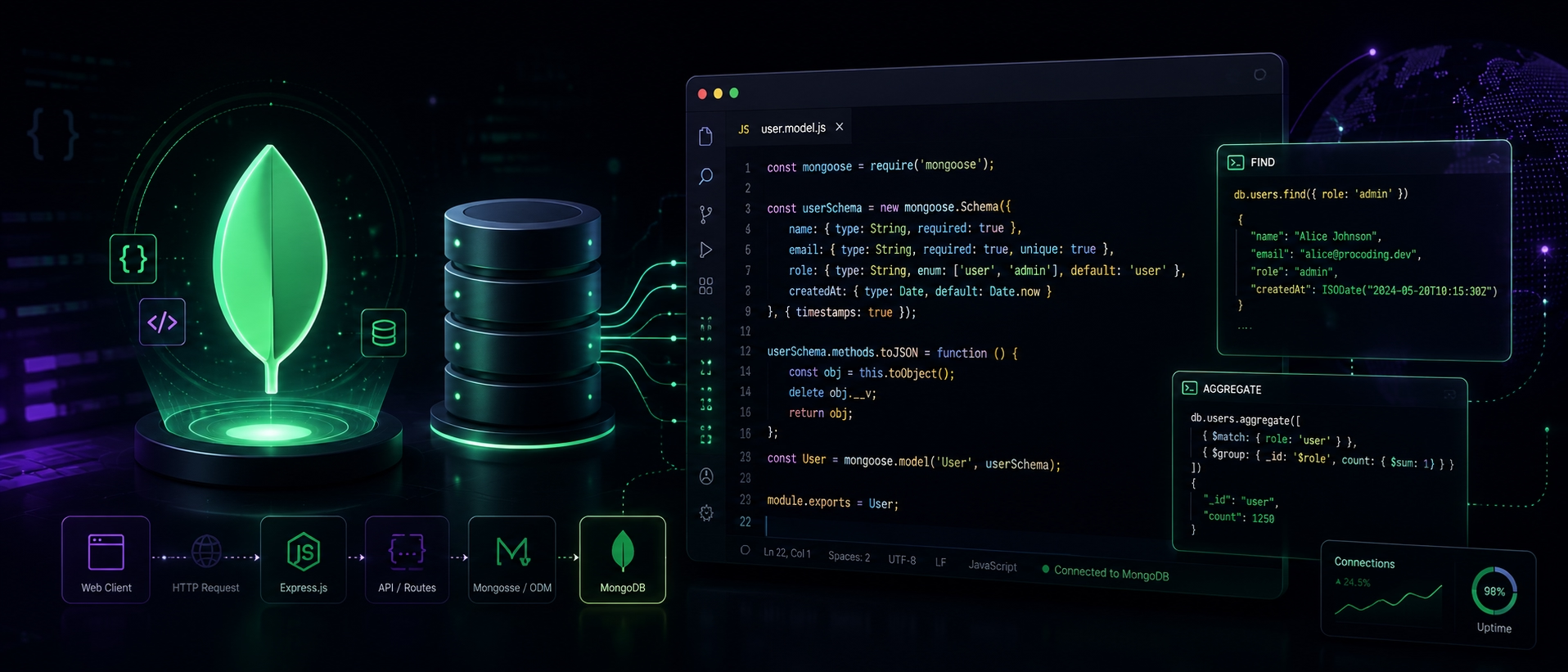
If your tabs already include MongoDB docs, a few beginner tutorials, a random backend video, and one article explaining NoSQL in a way that somehow makes it more confusing, you are in familiar territory.
Backend learning often starts with too much noise and not enough structure. MongoDB appears everywhere in modern web development, but beginners usually need a clear path: what it is, why it matters, how to connect it to Node.js, and how CRUD operations actually work.
This guide gives you that path. You will learn the MongoDB basics, understand where Mongoose fits, explore Atlas setup, and walk through the core operations that turn a database from an abstract concept into a real part of your application.
What you’ll learn
MongoDB basics
A clean intro to document databases.
Mongoose models
How schemas and models work in Node.js.
CRUD operations
How to insert, update, query, and delete data.
Atlas setup
How to start without local setup problems.
MongoDB Basics
MongoDB keeps showing up in web stacks because modern apps rarely have perfectly tidy, predictable data.
A user profile grows new fields. A product card picks up variants, filters, inventory flags, and reviews. A content model that looked simple at the start of the week can become more complex by Friday.
MongoDB handles this kind of change well because it stores data as documents instead of forcing every piece of information into rigid tables from the beginning. These documents look similar to JSON and can include nested objects, arrays, and flexible field structures.
That is the practical appeal behind learning MongoDB with Mongoose. MongoDB gives you a flexible database for application data. Mongoose adds the structure a real Node.js project needs: schemas, validation, models, and predictable CRUD behavior.
This is not about choosing sides between SQL and NoSQL. Relational databases are still excellent. MongoDB simply fits many modern web apps well because the document model often maps closely to the way application data already looks in code.
Insert operation
In MongoDB, insert operations add new documents to a collection. This is usually the first database action beginners learn, because it shows how data moves from the application into the database.
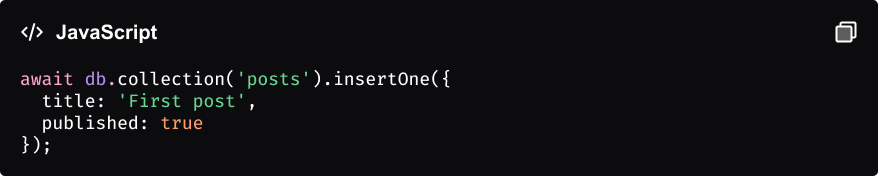
Insert checklist
✓ Define the document shape
✓ Make sure required fields exist
✓ Use insertOne() or create()
✓ Check the returned result
Query operation
Once data is stored, the next step is learning how to retrieve it. Query operations help your app load posts, filter users, find active records, or display content based on conditions.

What this query does
• Finds posts with at least 1,000 views
• Uses $gte, which means “greater than or equal”
• Returns only documents that match the condition
MongoDB concepts at a glance
Before moving deeper into backend development, it helps to keep the core MongoDB terms clear. These are the concepts you will see again and again when working with MongoDB, Mongoose, and CRUD operations.
Courses | Prices |
Course 1 | $150 – $300 |
Course2 | $400 – $800 |
Course3 | $80 – $150 |
Course4 | $100 – $180 |